Data Cloud Optimization
Take control of your Databricks and Snowflake costs
Bring FinOps discipline to your data cloud by anticipating usage and cost, automating optimization opportunities, and accelerating business value across Databricks, Snowflake, and AI-driven analytics workloads with Data Cloud Optimization (DCO).
Recommended products
Everything your FinOps practice needs to understand data cloud spend at the workload level.
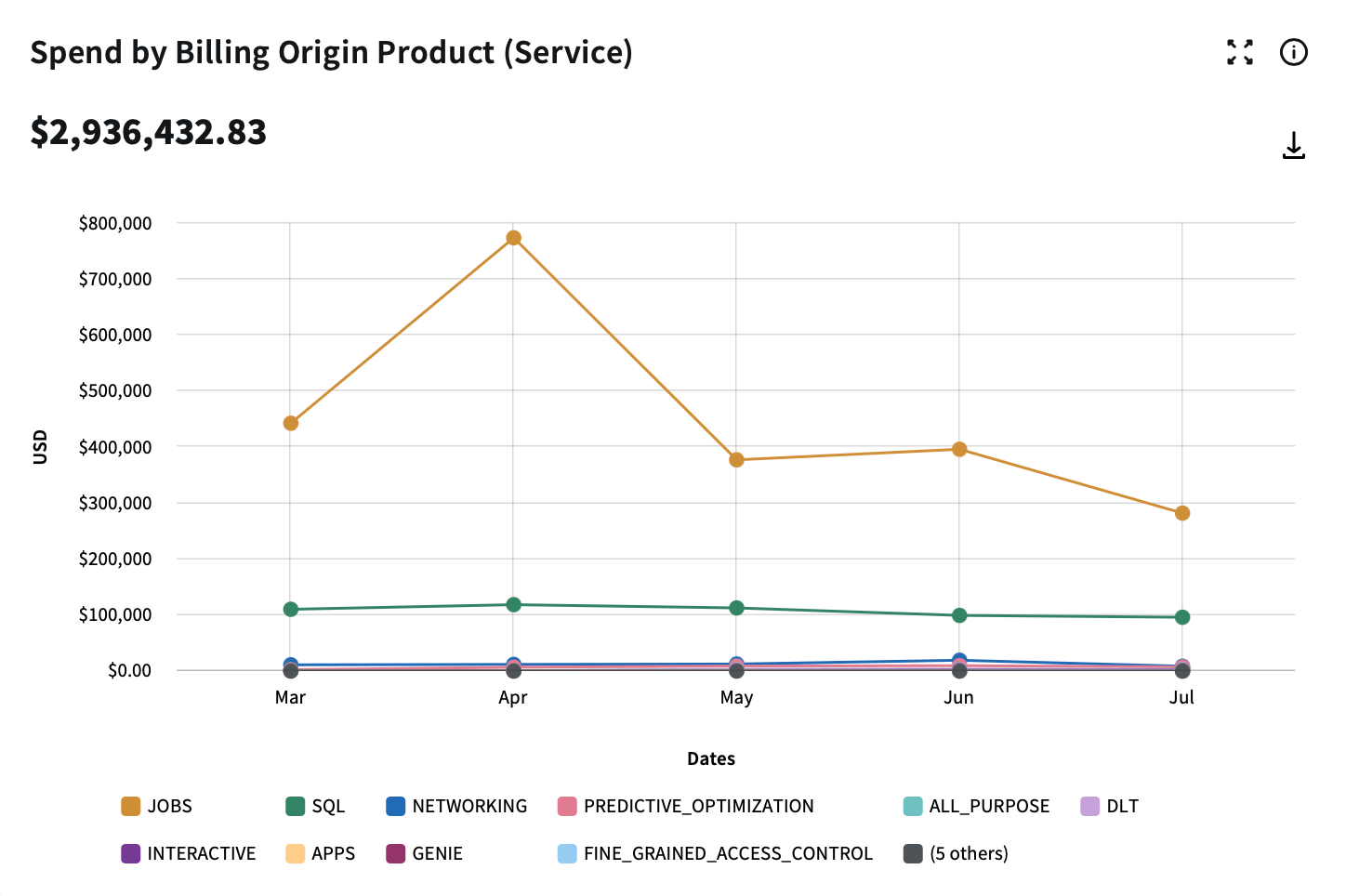
Workload-level visibility
Workload-level visibility
Bring Databricks DBUs, Snowflake credits, and workload usage into a common cost view.
Analyze consumption by jobs, clusters, workspaces, warehouses, SKUs, and usage patterns, instead of relying on a high-level cloud bill or disconnected native dashboards.
DCO gives FinOps and engineering teams the detail needed to examine cost drivers, compare usage across teams or platforms, and understand how data workloads translate into spend.
Cost allocation and ownership
Cost allocation and ownership
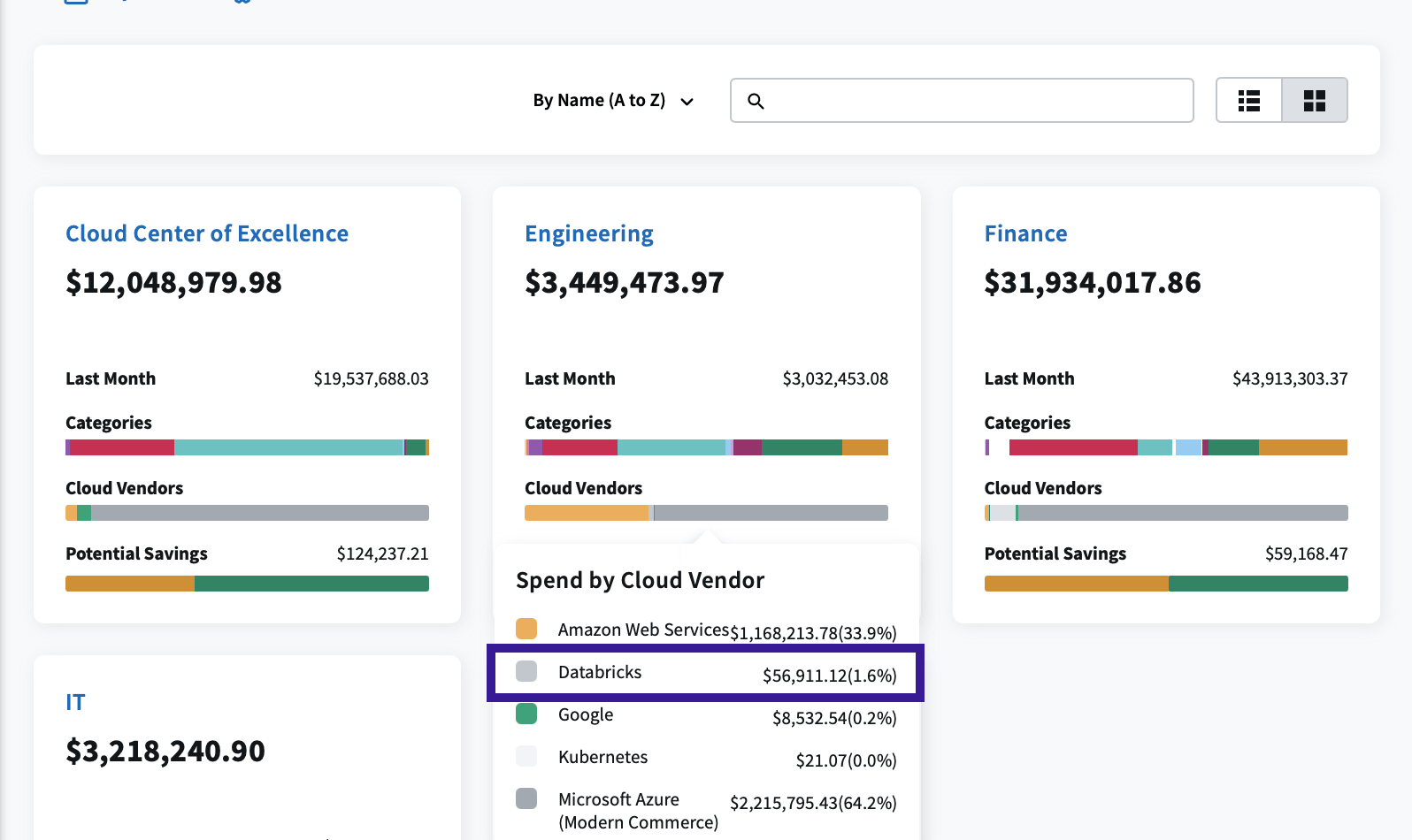
Assign shared data cloud spend to the teams and business units that use it.
A Snowflake warehouse may power multiple dashboards, data jobs, and ad hoc queries, while a Databricks workspace may support several teams, pipelines, and notebooks.
DCO maps shared data cloud workloads back to the teams, projects, business units, and billing centers that used it, applying cost allocation rules and tags to support showback, chargeback, budget planning, and finance-engineering accountability.
Budget and anomaly management
Budget and anomaly management
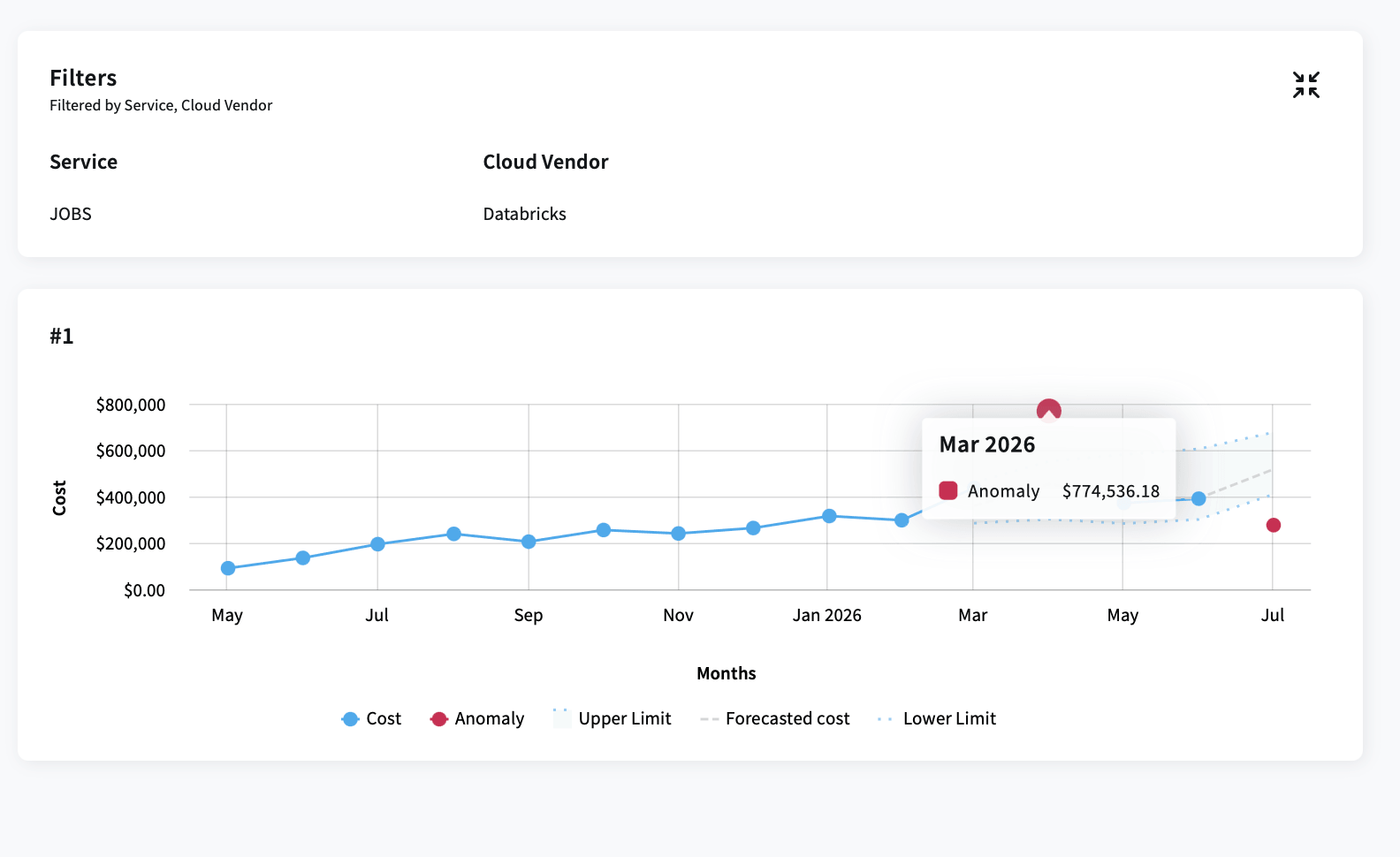
Identify budget drift when workloads scale, jobs change, or warehouses behave differently than expected.
Track Databricks and Snowflake spend against budgets by team, product, or project, forecast end-of-period consumption, and detect unusual cost patterns earlier in the cycle.
DCO helps teams investigate events like high-cost all-purpose clusters replacing job clusters, longer-running compute, unexpected warehouse scaling, or inefficient queries that increase DBU or credit consumption.
Automated recommendations
Automated recommendations
Find the clusters, warehouses, and workspaces driving avoidable spend.
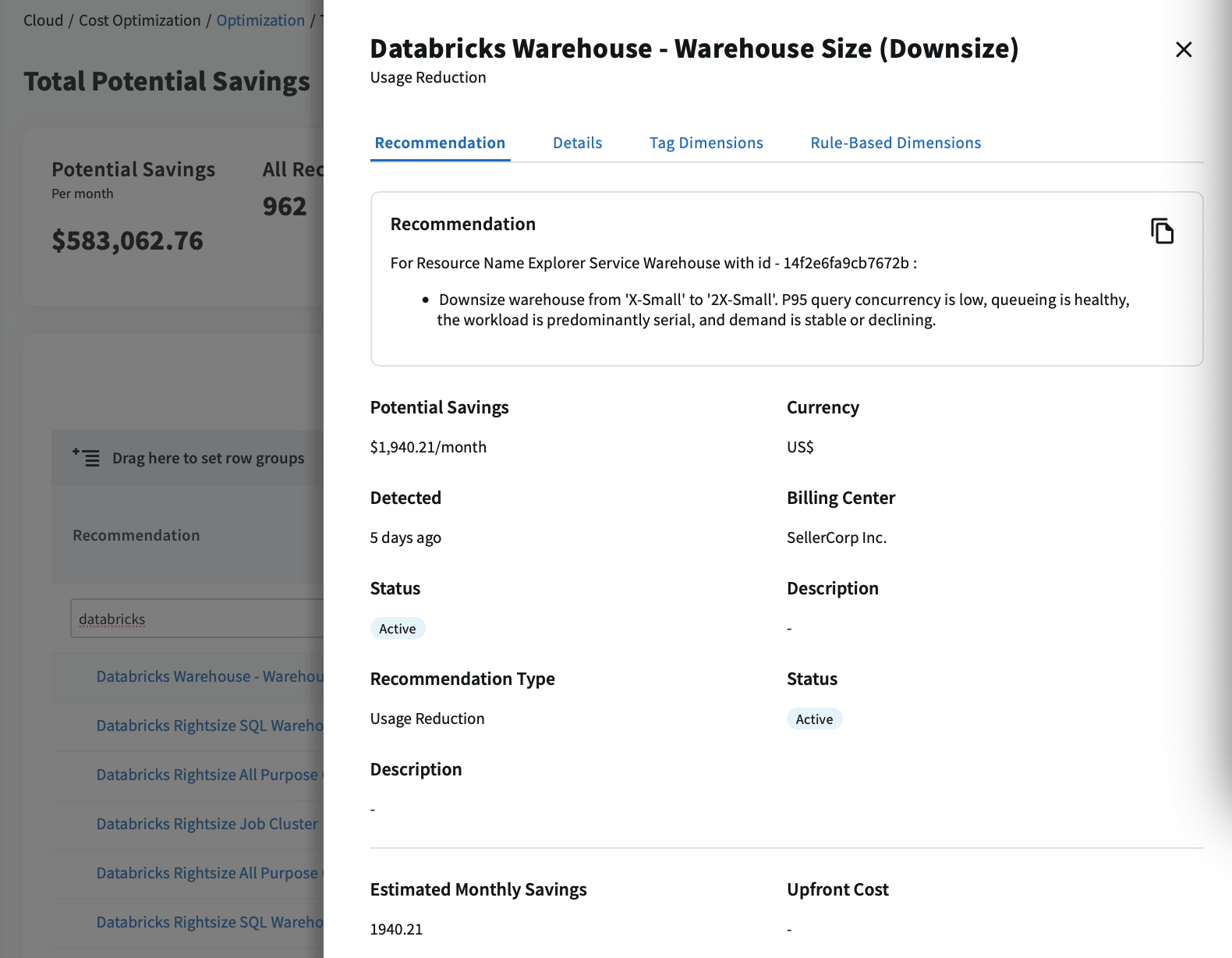
DCO helps teams identify idle compute, oversized clusters, underutilized workspaces, and warehouse optimization opportunities based on usage and cost signals. Recommendations give engineering teams a clearer starting point for reducing DBU or credit consumption without relying on billing exports, native dashboards, custom scripts, or one-off analysis.
Why Flexera wins
Where DCO goes further than the alternatives
FinOps point solutions |
Native data platform tools |
Flexera One DCO |
|
| Anticipate spend | Limited DBU, credit, and workload usage context | Platform-specific usage views, no cross-platform cost model | Granular data cloud usage connected to cost, ownership, and spend analysis |
| Act on recommendations | Utilization views, no packaged data cloud recommendations | Utilization views that may require manual review through custom scrips or pipelines | Recommendations tied to idle compute, oversized resources, underutilized workspaces, and warehouse optimization areas |
| Accelerate business value | Spend visibility without complete data cloud ownership | Usage detail disconnected from enterprise allocation models | Enterprise-grade chargeback and showback through billing centers that match your cost structure |
|
Align the cloud picture |
Cannot combine data platform cost with cloud billing data or map it to business groups | Platform spend in isolation, disconnected from the rest of your cloud environment | The only solution that combines data cloud spend and cloud billing data for a complete picture of your cloud environment |
Problems we solve
What teams bring to us and what we can do about it
How are we calculating cost per job on shared compute?
Break down consumption by job, cluster, warehouse, workspace, and team, even when workloads share compute.
What happens to performance if we rightsize this cluster?
Use observed workload utilization and specific rightsizing recommendations to evaluate cost, performance and production risk.
Which workload change altered our cost profile?
Detect unusual consumption patterns and trace the variance to the jobs, clusters, warehouses, or configuration changes behind it.
Teams are already staying ahead of their data cloud spend
“Flexera has been a gamechanger for our data FinOps at NetApp. The precise recommendations, intuitive interface, and predictive capabilities delivered significant Snowflake cost reductions in just a few months.”
“Flexera's Data Cloud Optimization completely changed how we look at Databricks spend management. It helped us spot hidden cost drivers quickly and start saving right away. We've gone from reacting to costs to actually staying ahead of them.”
“We used our own product because we want to make it better — we're practitioners just like our customers are. In the first 90 days, expect some significant savings and specific recommendations that are actionable.”

Bob McCarter Chief Technology Officer, Flexera
Get a free 14-day Databricks assessment
Gain insight into your Databricks environment at no cost, no installation required.

Full visibility in Flexera One
Cost by job, cluster, and resource.
Recommendations you can act on
Pre-built dashboards, no scripting required.
Quantified savings
Idle compute and oversized instances, in dollars.
No cost, no obligation
Nothing to install, read-only metadata access.
On-demand webinar
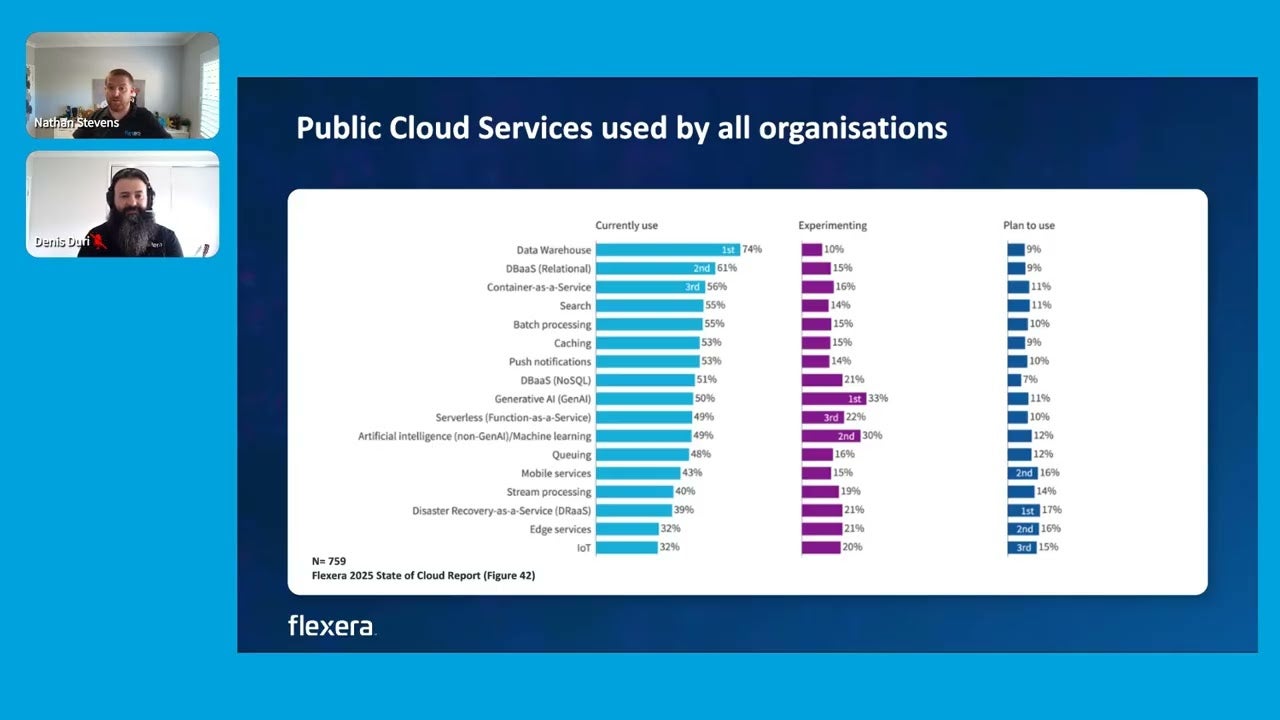
See the FinOps thinking behind DCO
Our FinOps team on DBU and credit pricing, where visibility breaks down, and how optimizing data platforms differs from traditional cloud compute.
Frequently asked questions
DCO helps teams control data cloud spend by analyzing Databricks and Snowflake usage patterns, surfacing cost drivers, and prioritizing optimization actions such as Databricks rightsizing recommendations.
AI workloads can raise Databricks and Snowflake costs through compute-heavy pipelines, repeated queries, and demand spikes. DCO shows which workload, owner, and usage pattern drives consumption, so teams can prioritize optimization.
Yes. DCO supports deployments across AWS, Azure and Google Cloud, giving teams a unified view of Databricks and Snowflake spend within Flexera One.
DCO gives your organization granular visibility and savings opportunities to manage Databricks and Snowflake infrastructure more efficiently, helping engineering, FinOps and executive stakeholders improve data cloud reliability, cost control and investment decisions.
Turn data cloud spend into actionable savings
Live in minutes. No complex setup. Own your Databricks and Snowflake spend.
Resources
Go deeper on data cloud costs